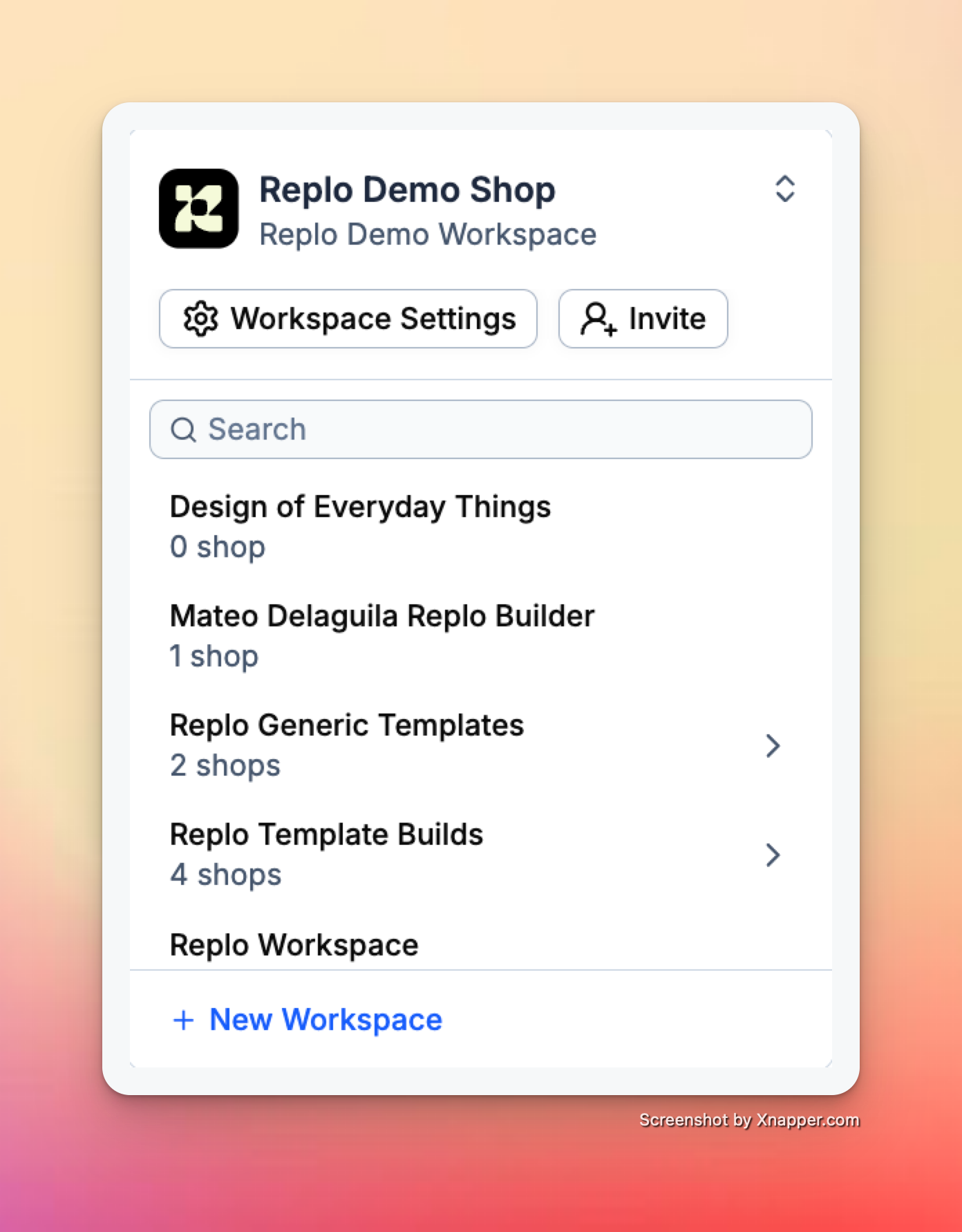
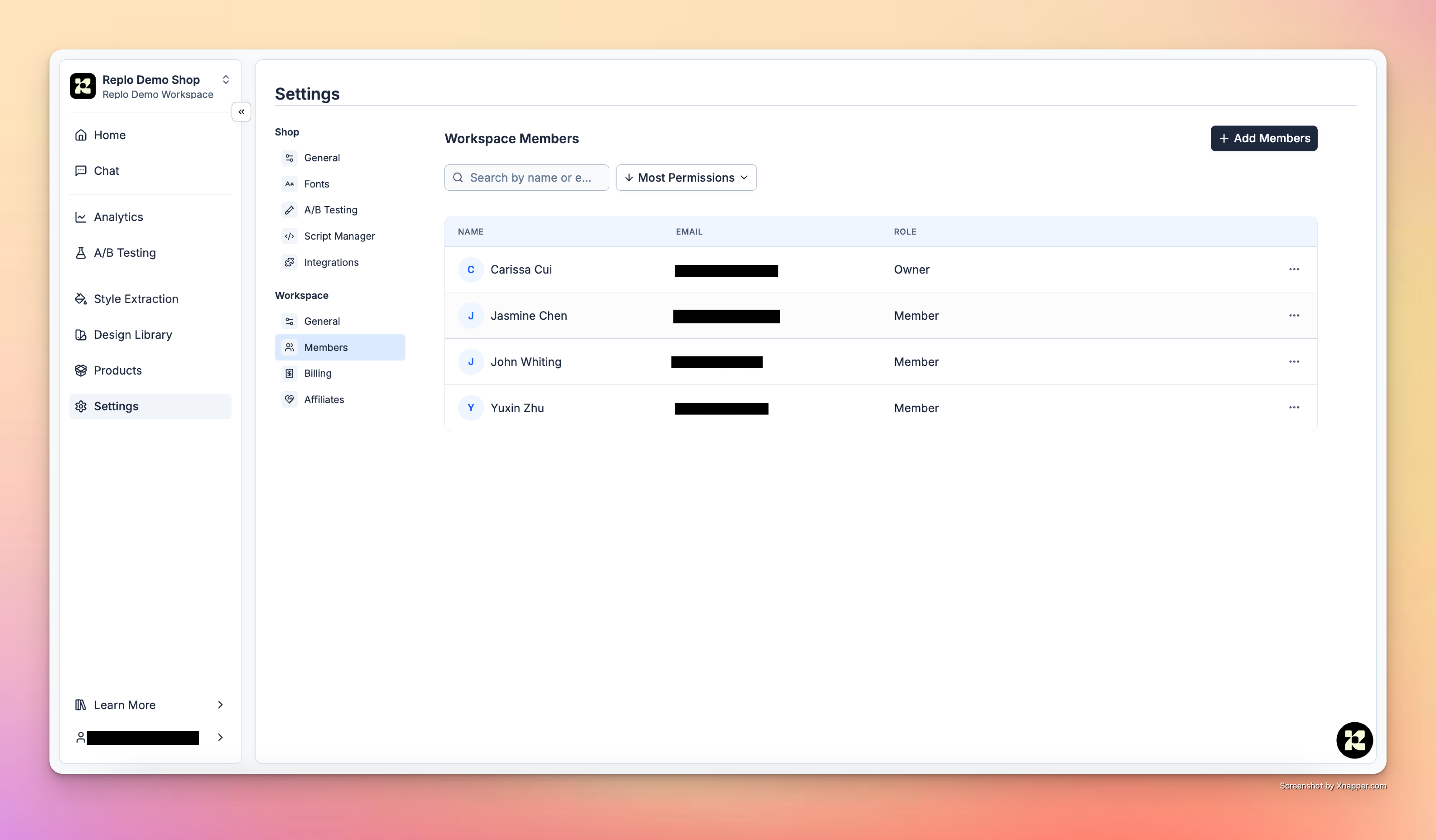
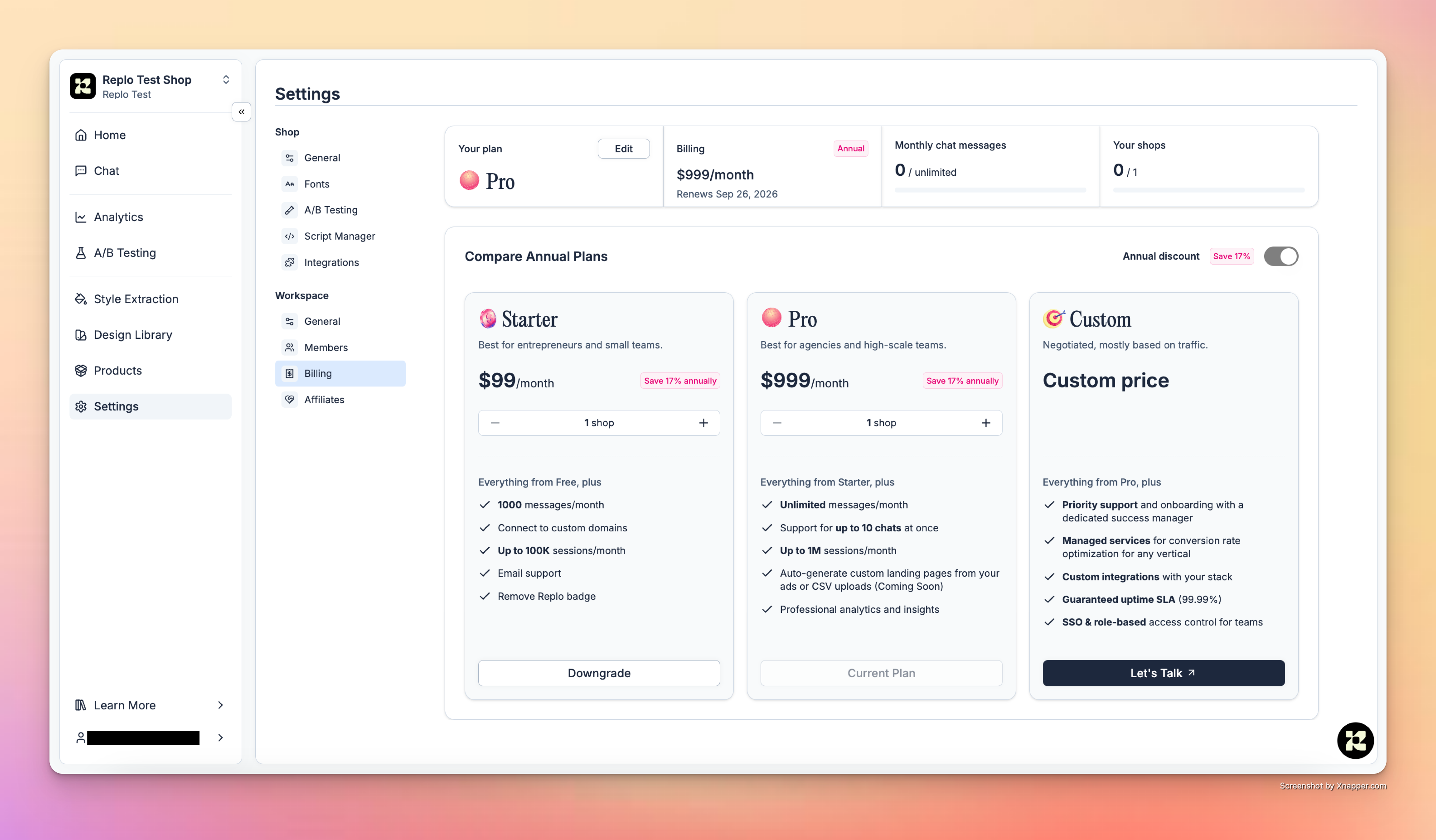
Workspaces within Replo contain billing tiers, member access, and Shops.Users can view and navigate through all their workspaces and shops via the dropdown located in the upper-left panel of the dashboard. Shops are grouped by workspaces, which contain both billing and member permissions.This dropdown is also where users can create a new workspace or shop. Click into a workspace to select a shop or create a new one.
Shops are the core collaboration space within Replo. Shops relate to a single online storefront, where customers can manage their pages, products, brand library, A/B tests, and insights.
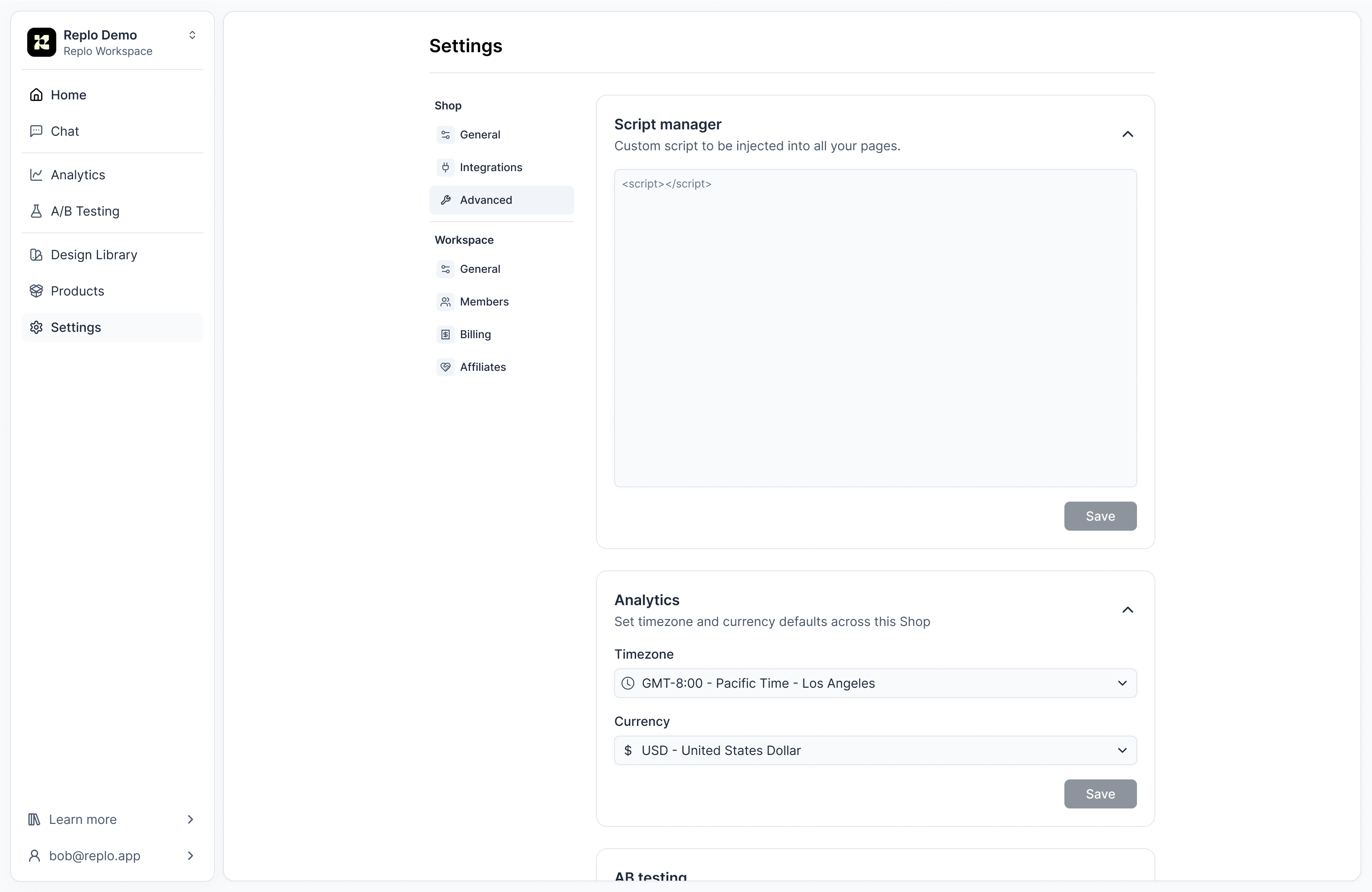
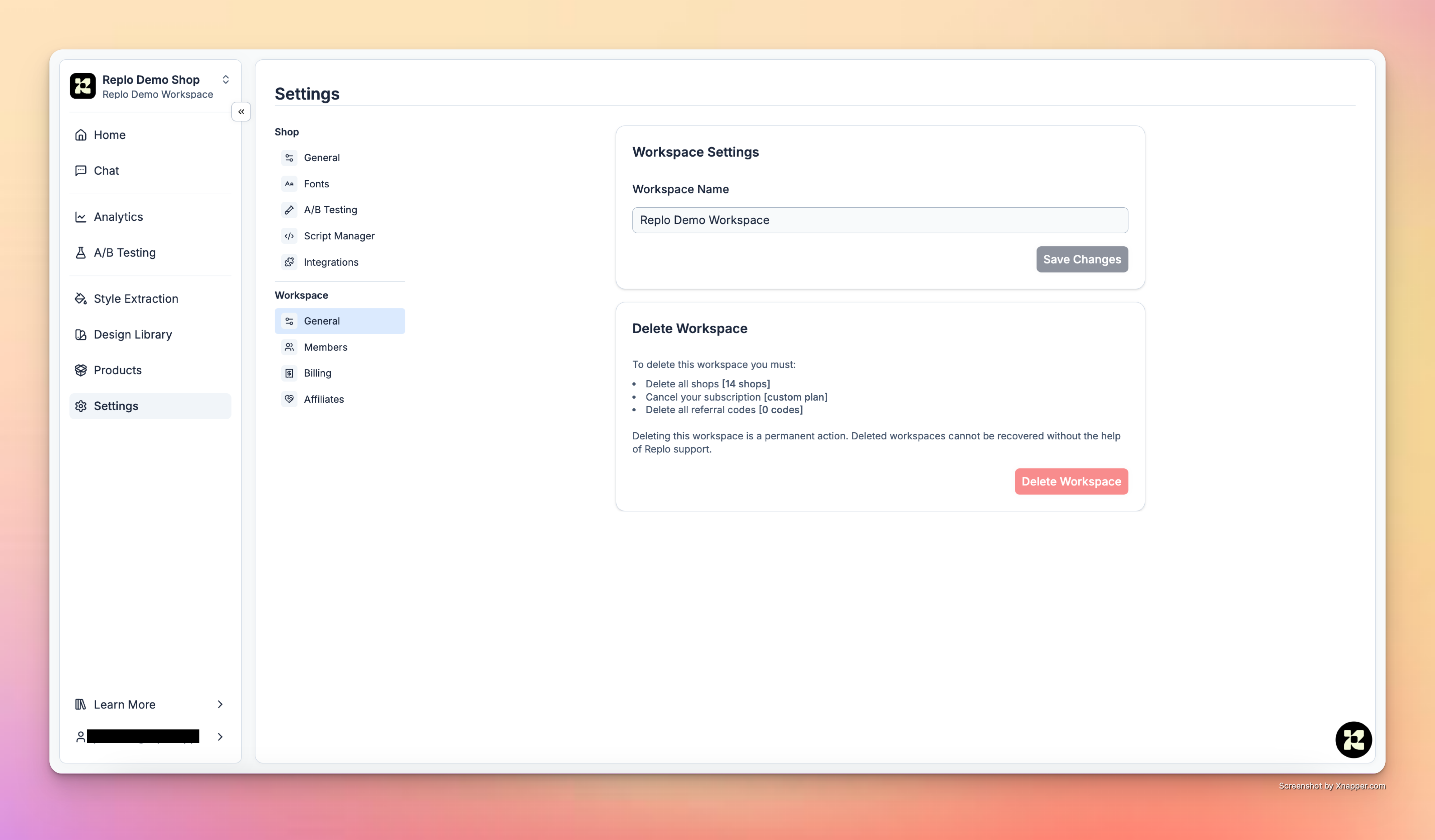
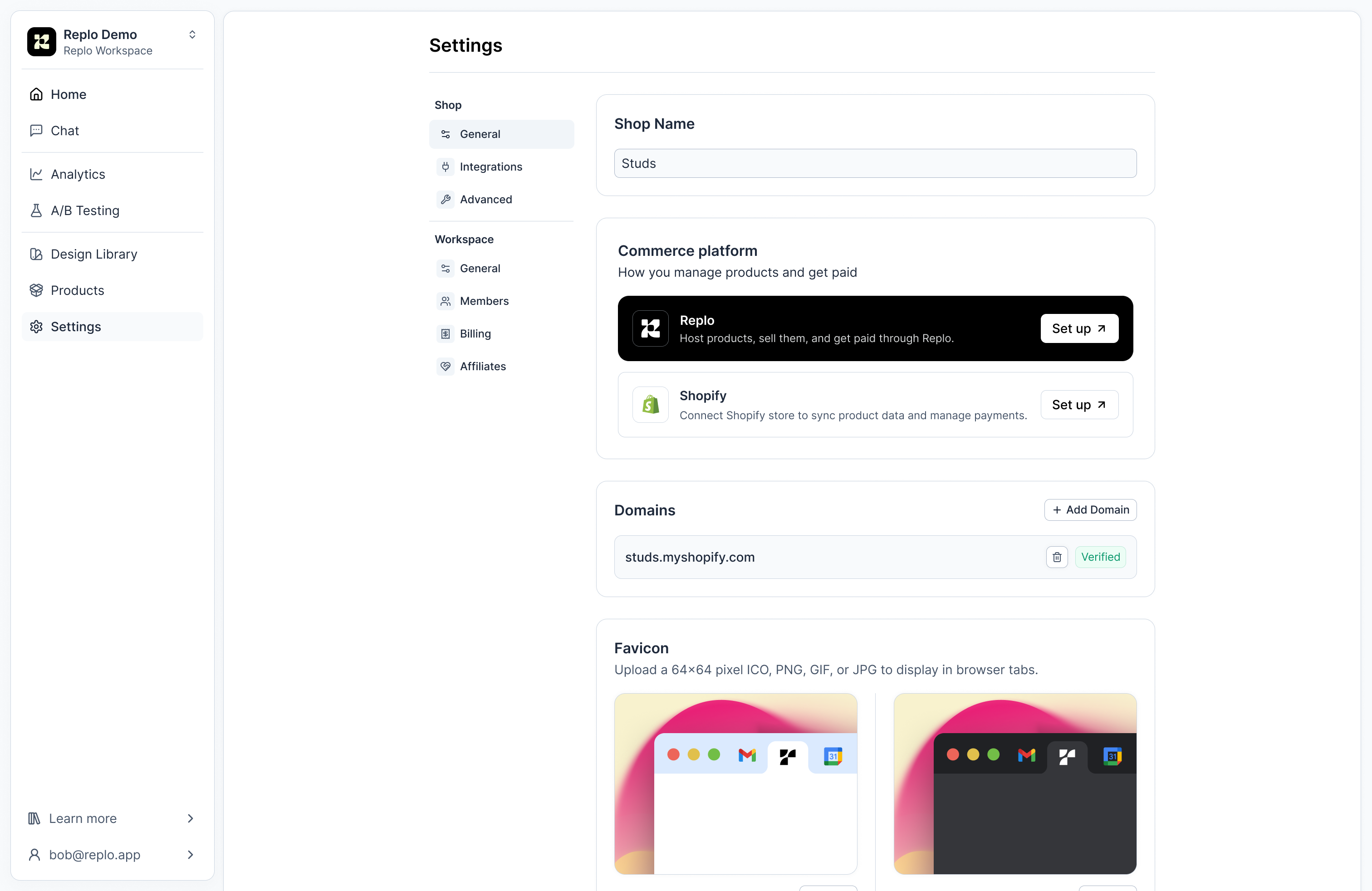
In the shop settings, teams can configure important details about their shops, such as operational settings and preferences.GeneralIn the general settings for the shop, you can customize the shop’s name, set the preferred timezone, and define the currencies in which shop data will be displayed.Additionally, you can transfer shops between workspaces or delete them, if necessary.IntegrationsManage, edit, and add new integrations in the Integrations tab.AdvancedIn Advanced settings, you can edit your custom script manager, analytics timezone and currency, and custom domains.
Check Shop Limits: Before attempting to move a shop, it’s important to verify the shop limits of the target workspace. Each workspace has a set number of allowable shops associates with its plan, which could affect your ability to move a shop seamlessly.
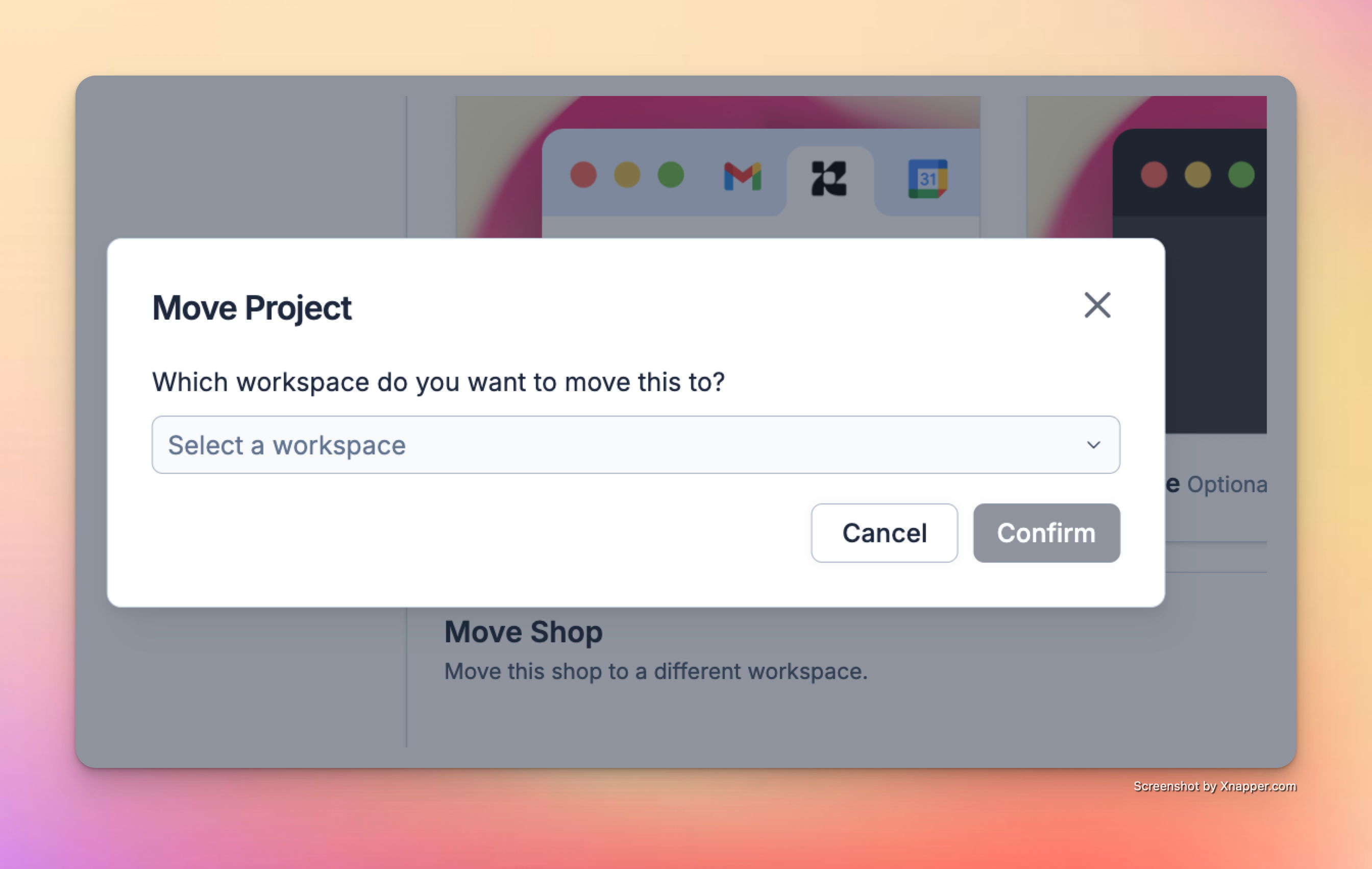
**Initiate Shop Transfer: **Head to the shop settings of the workspace you wish to move. Under shops general, there is an option to move the shop.
Select the Target Workspace: After initiating the move, you will be prompted to select the new workspace where you want the shop to reside. Make sure this workspace has the capacity to handle additional integrations. You can see integration limits based on plans in the Pricing Tiers documentation.
Confirm the Move: Review all details and confirm the move. It’s a good practice to notify any team members who might be affected by this change to avoid any workflow disruptions.


 Advanced
In Advanced settings, you can edit your custom script manager, analytics timezone and currency, and custom domains.
Advanced
In Advanced settings, you can edit your custom script manager, analytics timezone and currency, and custom domains.